
Documentation
Environment
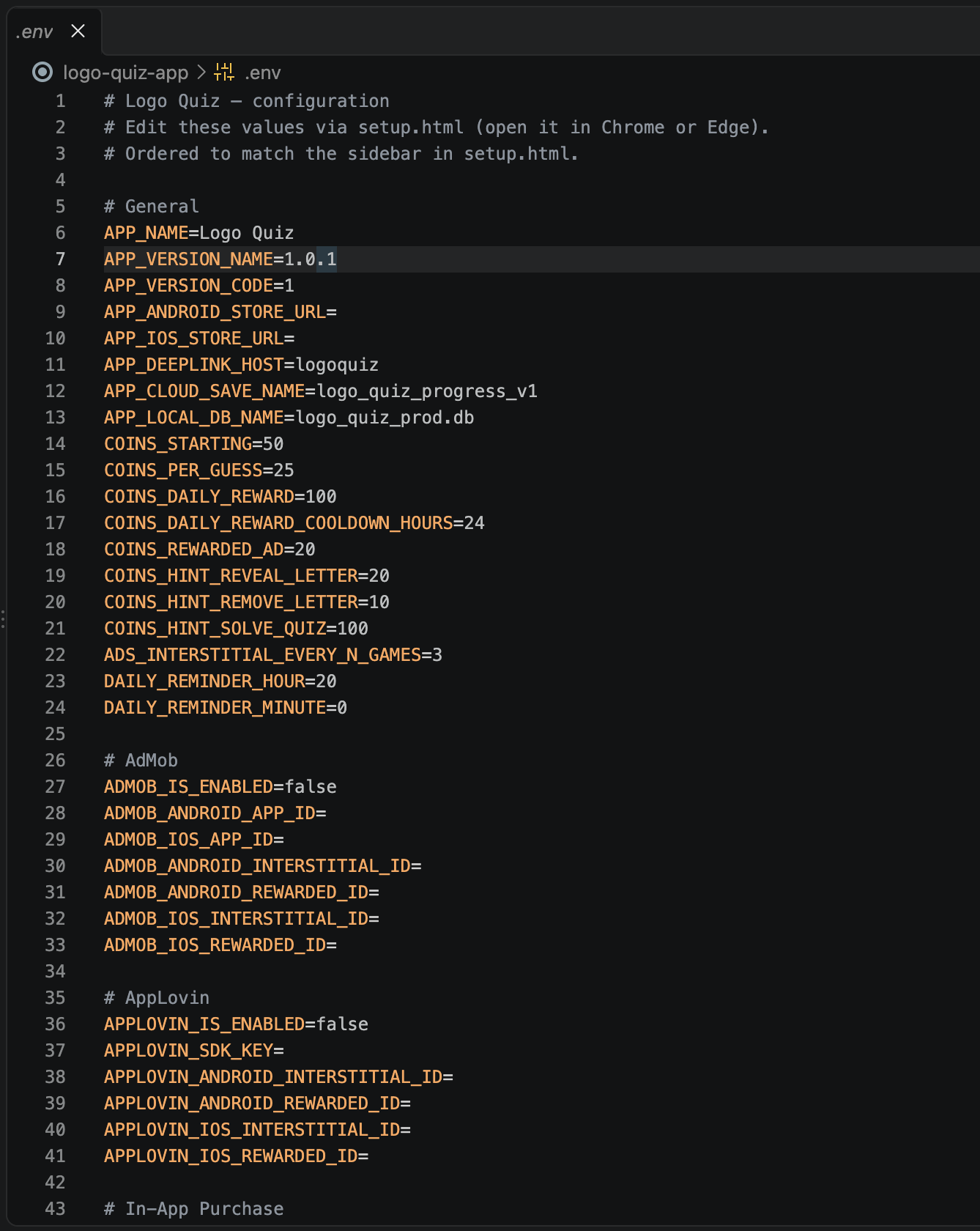
The environment file (.env, pronounced "dot env") is where all your app's private keys are stored — Firebase, AdMob, AppLovin, in-app purchases, and so on. It's the very first thing to set up, because every later step writes its keys into this file.
Keep it private
The keys inside .env are secret and identify your app. Never share it publicly and never upload it to GitHub. Don't worry about accidents though — the project already tells Git to ignore this file automatically.
Create your .env file
The project ships with a template called .env.example. Make a copy of it named .env.
Using your file manager — find .env.example in the project folder, duplicate it, and rename the copy to .env. Files starting with a dot are hidden by default: press ⌘ + ⇧ + . on macOS, or turn on View → Show → Hidden items on Windows.
Using the terminal — open a terminal in the project folder and run:
cp .env.example .env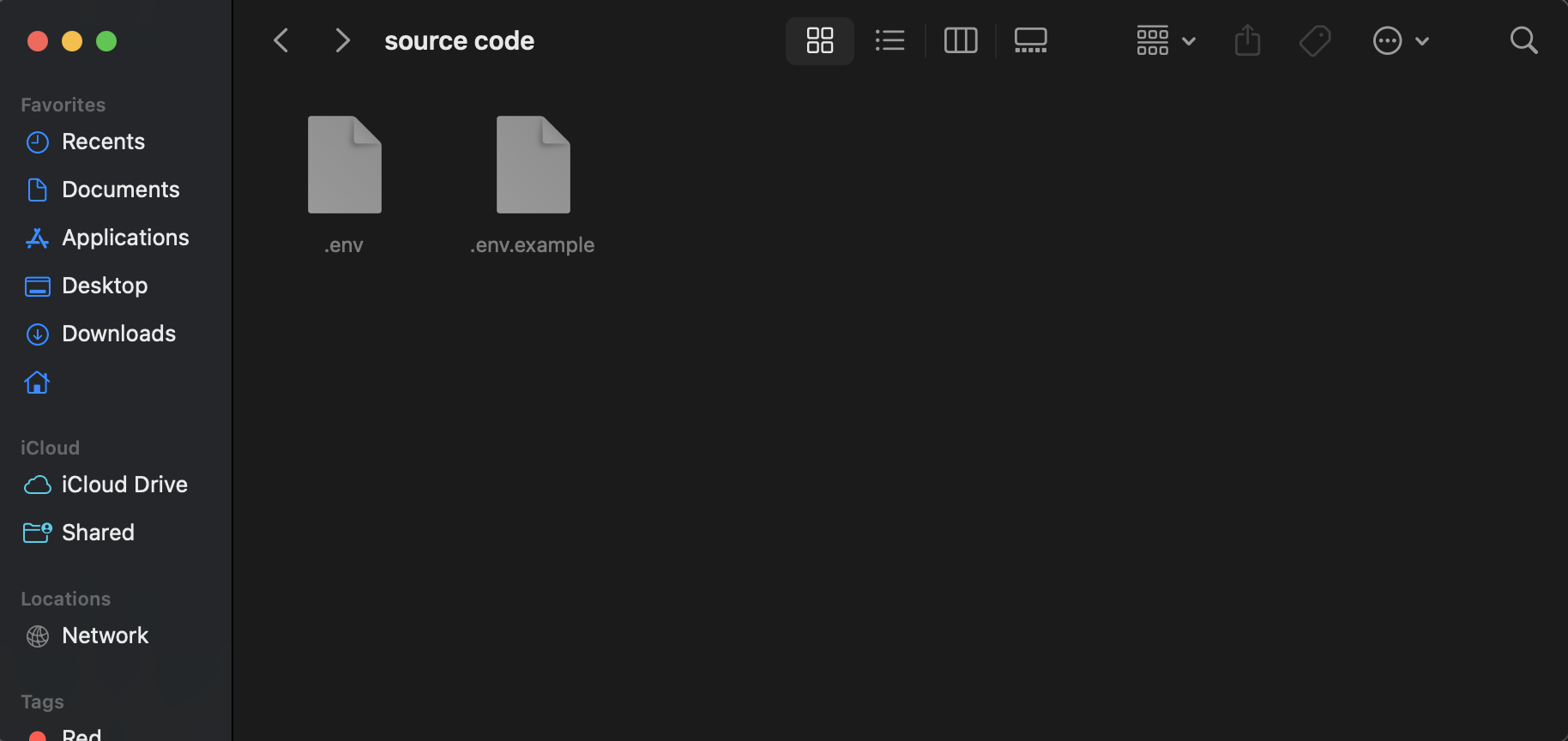
What's next
You now have an empty .env file. Don't edit it by hand — continue to the Setup Page, where a friendly browser screen fills it in for you.
FAQ
Frequently asked questions
Where do I get the latest version of the app?
On your CodeCanyon Downloads page, signed in with the account you bought the app with. Updates are free for life — see the Upgrade Code page for the safe way to move to a new version.Do I need a Mac to publish on the App Store?
Yes. Building an iOS `.ipa` file requires Xcode, which only runs on macOS. Android builds work on any operating system.Why don't in-app purchases work when I install the APK on my phone?
In-app purchases, Play Games and other Google Play services only unlock when the build is uploaded to a Play Console track (Internal testing is the fastest) and installed via the Play Store on a device signed in as a tester.Do you provide the source code?
Yes — every CodeCanyon purchase includes the full Flutter source code plus all assets, so you can customise anything.Can I use the same license for two different apps?
No. Envato's Regular License covers a single end product. If you want to publish a second app based on the same template, buy a second license on CodeCanyon.How long does store review take?
Google Play: a few days for the very first submission, then a few hours to a day for updates. Apple App Store: usually 24–48 hours per submission.