
Documentation
Introduction
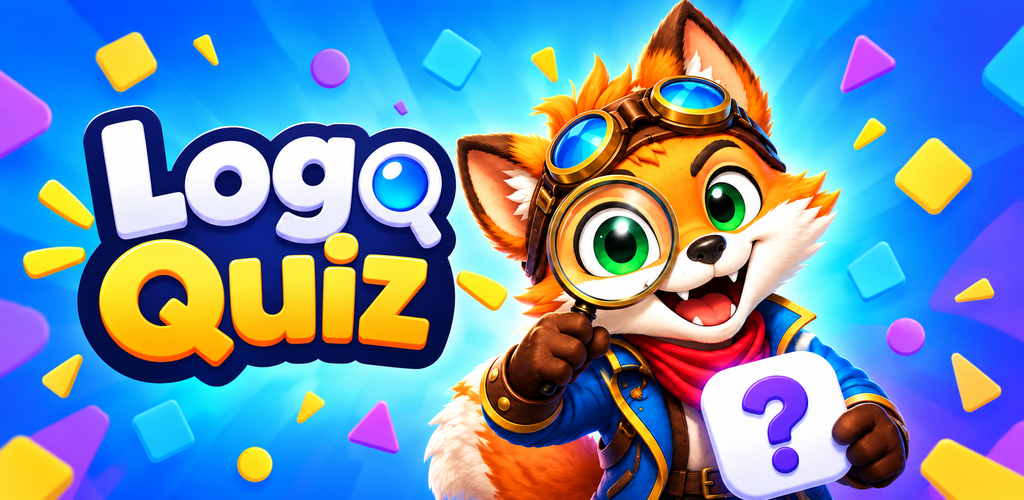
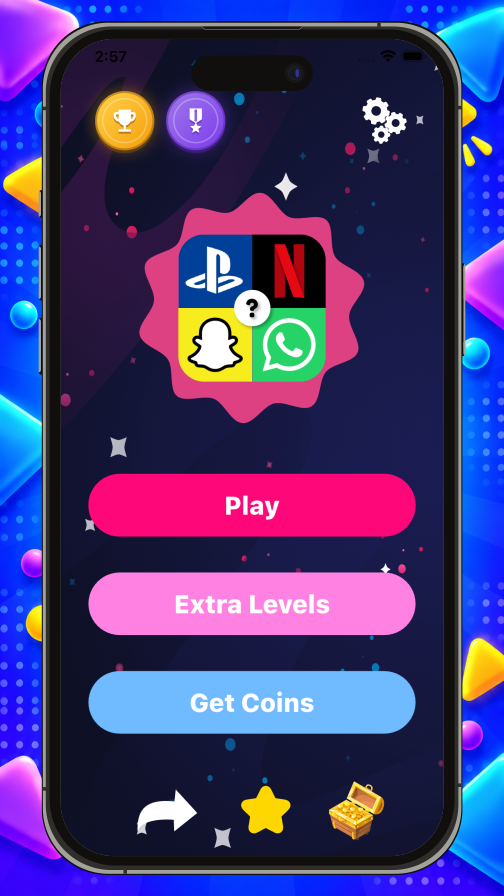
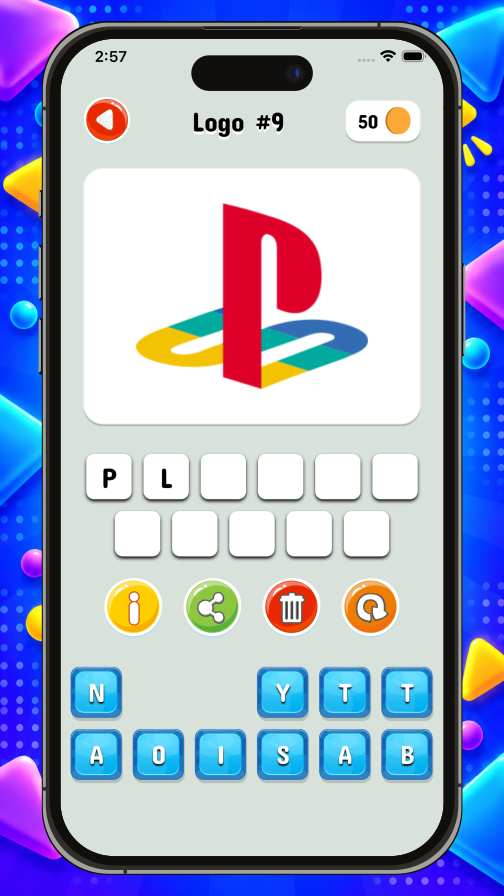
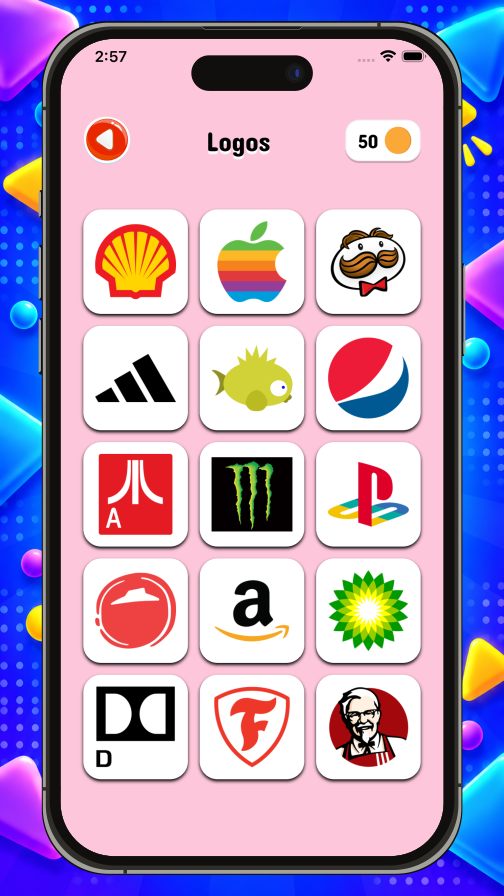
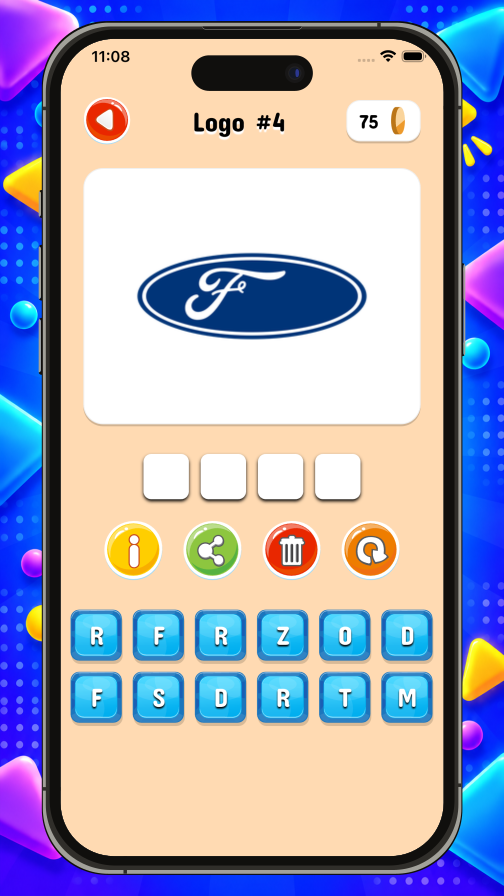
Welcome to the official documentation for the Logo Quiz app — a complete, production-ready Flutter source project for Android and iOS, distributed on CodeCanyon by Visuella.
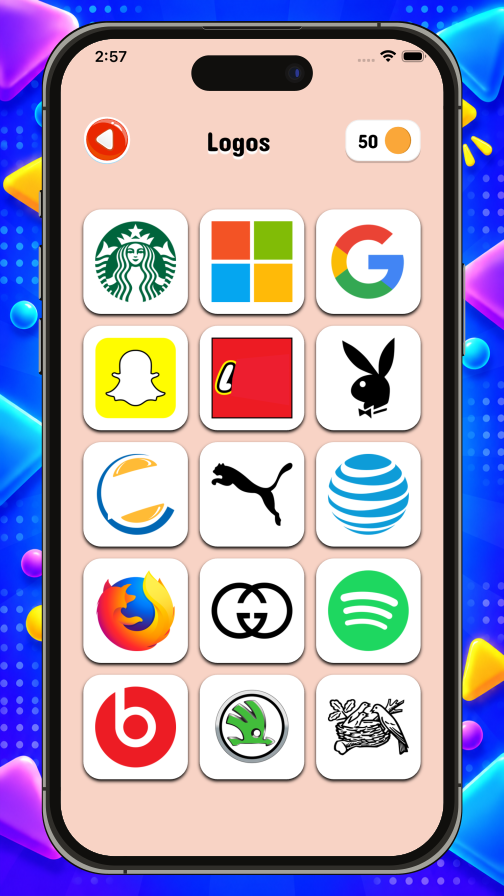
Logo Quiz is a polished, category-based trivia game where players identify brands and logos across dozens of themes. It ships as a full source project you can rebrand, customise and publish under your own developer account, within the terms of the CodeCanyon license you purchased (Regular or Extended). Buyers get lifetime free updates and no runtime dependency on a third-party backend from us.
Heads up — third-party service costs. The app is fully functional out of the box, but a few features rely on external services owned by third parties: Google AdMob, AppLovin Max, and Google Firebase (Analytics, Crashlytics, Auth, etc.). Depending on your usage volume, these services may incur external costs charged directly by their providers — for example, Firebase can move from its free Spark plan to a paid Blaze plan once you exceed the free quotas, and ad networks may charge processing fees on your earnings. These costs are set by Google / AppLovin and are not included in the CodeCanyon purchase price. Review each provider's current pricing before enabling the feature. Every relevant page in Services links to the provider's pricing page.
Who this documentation is for
These pages are written for buyers who want to configure and publish the app without touching the Flutter source code. The app ships with a browser-based setup GUI that writes every configuration key for you — app identifiers, Firebase, ads, in-app purchases, Play Games / Game Center, logging, and more — so most of the work is filling in fields rather than editing files.
Some experience with Android Studio, Xcode and the app-store publishing flows is still useful, but no Flutter or Dart knowledge is required to ship the app as-is.
What you'll find here
The documentation is organised into five sections:
-
01
Get Started What the project is and the tools to install first.
-
02
Installation Environment file, setup page, app IDs, signing key, Firebase.
-
03
Customisation Trivia data, app icon, images & animations, languages.
-
04
Services AdMob, AppLovin Max, in-app purchases, Play Games, logging.
-
05
Publishing Building for the stores, and upgrading to a newer version later.
Follow the sections in order for a first-time build. If you're returning to update or extend an existing app, jump straight to the section you need — each page is self-contained.
First-time installation — follow this order
If this is your first build, work straight down this list. Every page assumes the ones above it are already done, so going out of order is the most common way to get stuck.
- Get Started → Prerequisites — install Flutter, the Android SDK, Xcode and the Firebase tools. Nothing below works until
flutter doctoris green. - Installation → Environment — create your
.envfile from the template. - Installation → Setup Page — open
setup.html, the browser screen that fills.envin for you. - Installation → General — app name, version, coin economy, ad pacing, daily reminder.
- Installation → App IDs — your Android package name and iOS bundle ID. Choose carefully — these can never change once the app is published.
- Installation → Android Signing Key — generate the keystore and back it up. Required for every Play Store upload.
- Installation → Firebase — connect the app to your own Firebase project.
- Customisation — trivia data, app icon, images & animations, languages. Optional, and the four pages can be done in any order.
- Services — AdMob or AppLovin Max, in-app purchases, Play Games, leaderboards, achievements, logging. Optional — enable only the features you actually plan to ship.
- Publishing → Build & Publish — build the signed release and upload it to Google Play and the App Store.
The one habit to keep. After saving anything on the Setup Page, run
make syncin the project root before you rebuild. Skip it and your changes stay in.envwithout ever reaching the app.
FAQ
Frequently asked questions
Where do I get the latest version of the app?
On your CodeCanyon Downloads page, signed in with the account you bought the app with. Updates are free for life — see the Upgrade Code page for the safe way to move to a new version.Do I need a Mac to publish on the App Store?
Yes. Building an iOS `.ipa` file requires Xcode, which only runs on macOS. Android builds work on any operating system.Why don't in-app purchases work when I install the APK on my phone?
In-app purchases, Play Games and other Google Play services only unlock when the build is uploaded to a Play Console track (Internal testing is the fastest) and installed via the Play Store on a device signed in as a tester.Do you provide the source code?
Yes — every CodeCanyon purchase includes the full Flutter source code plus all assets, so you can customise anything.Can I use the same license for two different apps?
No. Envato's Regular License covers a single end product. If you want to publish a second app based on the same template, buy a second license on CodeCanyon.How long does store review take?
Google Play: a few days for the very first submission, then a few hours to a day for updates. Apple App Store: usually 24–48 hours per submission.