
Fonctionnalités
Documentation
AppLovin
AppLovin (MAX) is the other supported mediation. Pick either AppLovin or AdMob — enabling both simultaneously is not supported.
Out of the box, APPLOVIN_IS_ENABLED=false and the SDK is not initialized.
1. Create an AppLovin account
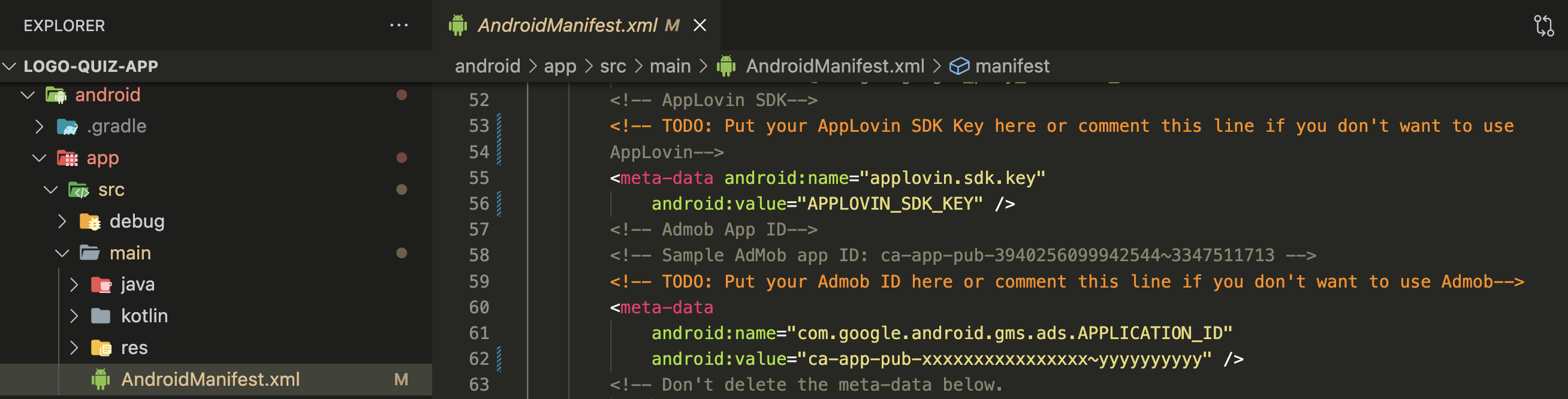
Sign up at applovin.com and add your Android and iOS apps. Once your apps are approved, note down your account SDK Key.
2. Create ad units
For each platform, create:
- One Interstitial ad unit.
- One Rewarded ad unit.
Copy each ad unit ID.
3. Fill in setup.html
Open setup.html → Configurations → AppLovin and fill:
- APPLOVIN_IS_ENABLED —
true - APPLOVIN_SDK_KEY
- APPLOVIN_ANDROID_INTERSTITIAL_ID, APPLOVIN_IOS_INTERSTITIAL_ID
- APPLOVIN_ANDROID_REWARDED_ID, APPLOVIN_IOS_REWARDED_ID
Save, then make run-android or make run-ios.
GDPR / consent
AppLovin's SDK asks for TCF consent on the first launch in EEA regions. The app already integrates the required consent form flow — you don't need to add anything.