


Personnaliser
Documentation
App icon
setup.html has a dedicated App icon section that generates and installs every icon size for both platforms in one step.
Via setup.html (recommended)
Open setup.html → Customizations → App icon. Drop in a single 1024×1024 PNG and click Generate. The tool writes every required size into:
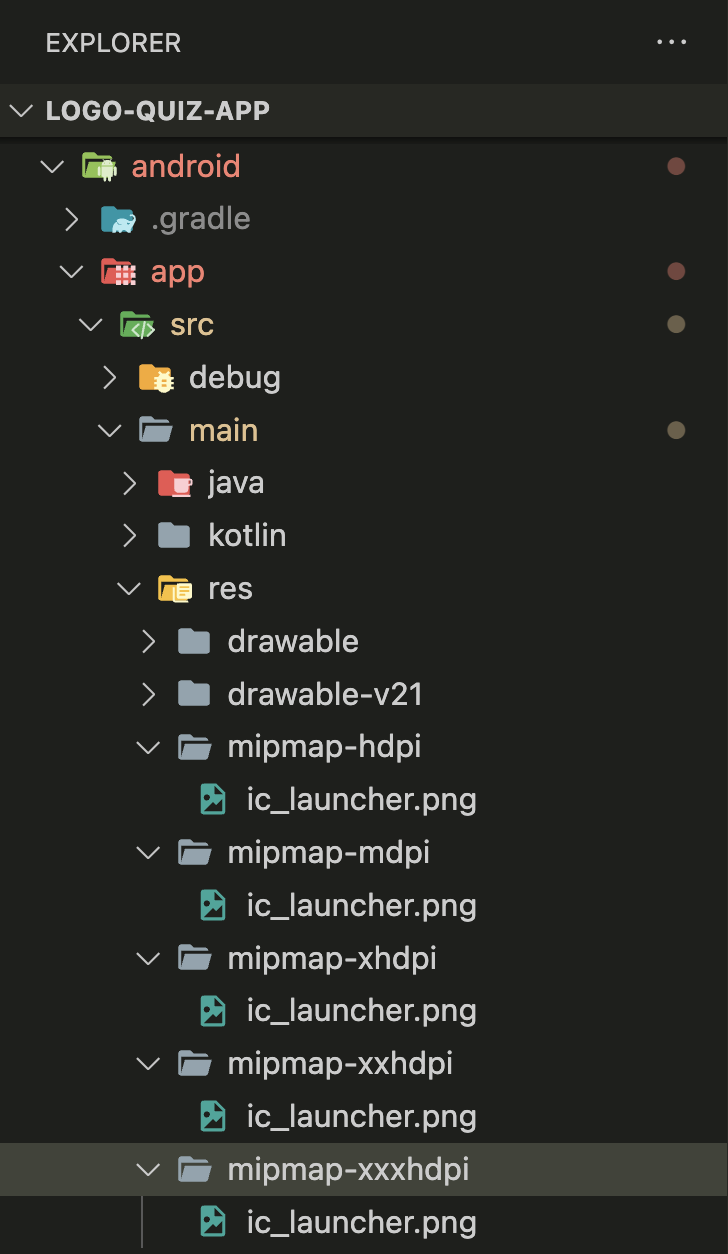
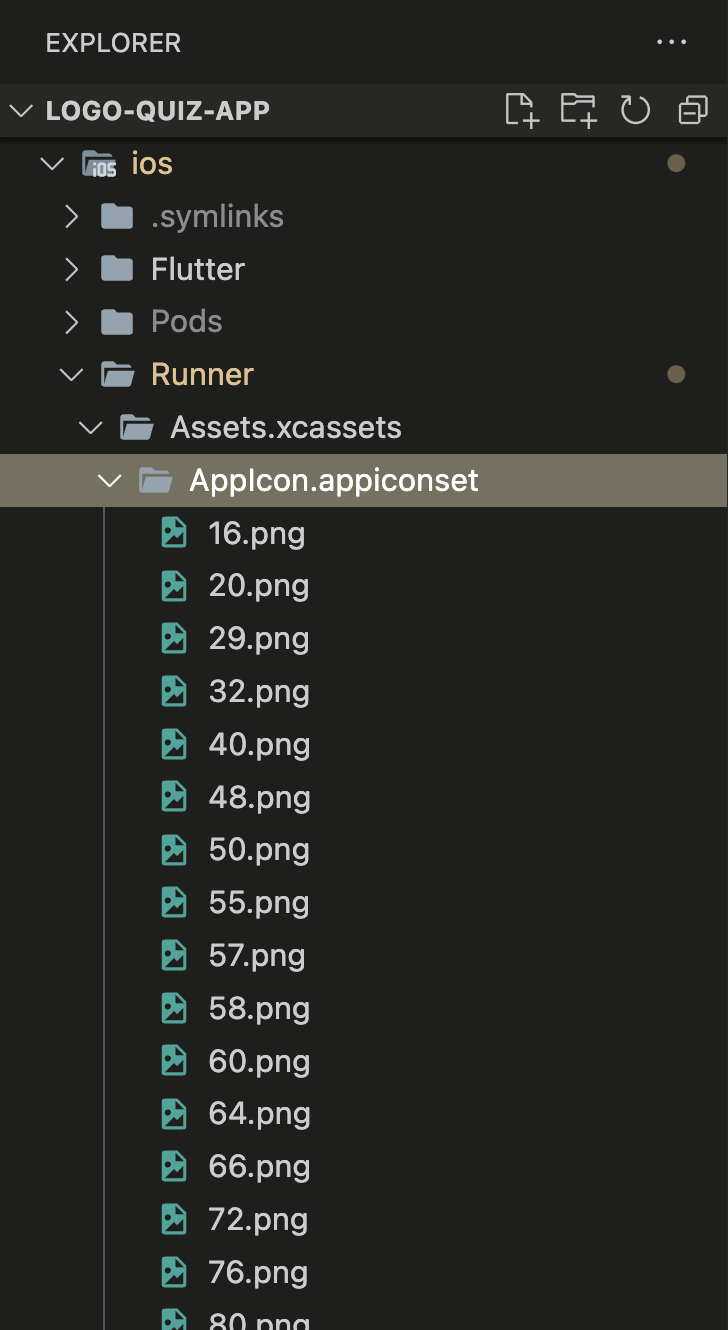
android/app/src/main/res/mipmap-*/— Android densitiesios/Runner/Assets.xcassets/AppIcon.appiconset/— every iOS variant
Both trees are laid out exactly as Flutter and the native toolchains expect, so no further manual step is required.
Manual (if you prefer)
If you'd rather run the generator yourself:
- Prepare your icon as a 512×512 or 1024×1024 PNG on a solid background (avoid transparency — iOS rejects transparent alpha channels for App Store icons).
- Use a tool like appicon.co to generate both Android and iOS icon packs.
- Drop the generated
mipmap-*folders intoandroid/app/src/main/res/.
- Drop the generated
AppIcon.appiconsetcontents intoios/Runner/Assets.xcassets/AppIcon.appiconset/.
Design tips
- On Android 13+, users can opt into themed icons. Ship a monochrome variant to look sharp on those devices.
- Keep the meaningful part inside the middle 80% of the canvas — the OS masks the outer edge on all Android launchers and on iOS's dynamic Home Screen shapes.